![Full Prolegis Logo.png]](https://kb.prolegis.ca/hs-fs/hubfs/Full%20Prolegis%20Logo.png?width=200&height=88&name=Full%20Prolegis%20Logo.png)
NOTE: To use this feature you will need a Government of Alberta Land Titles account.
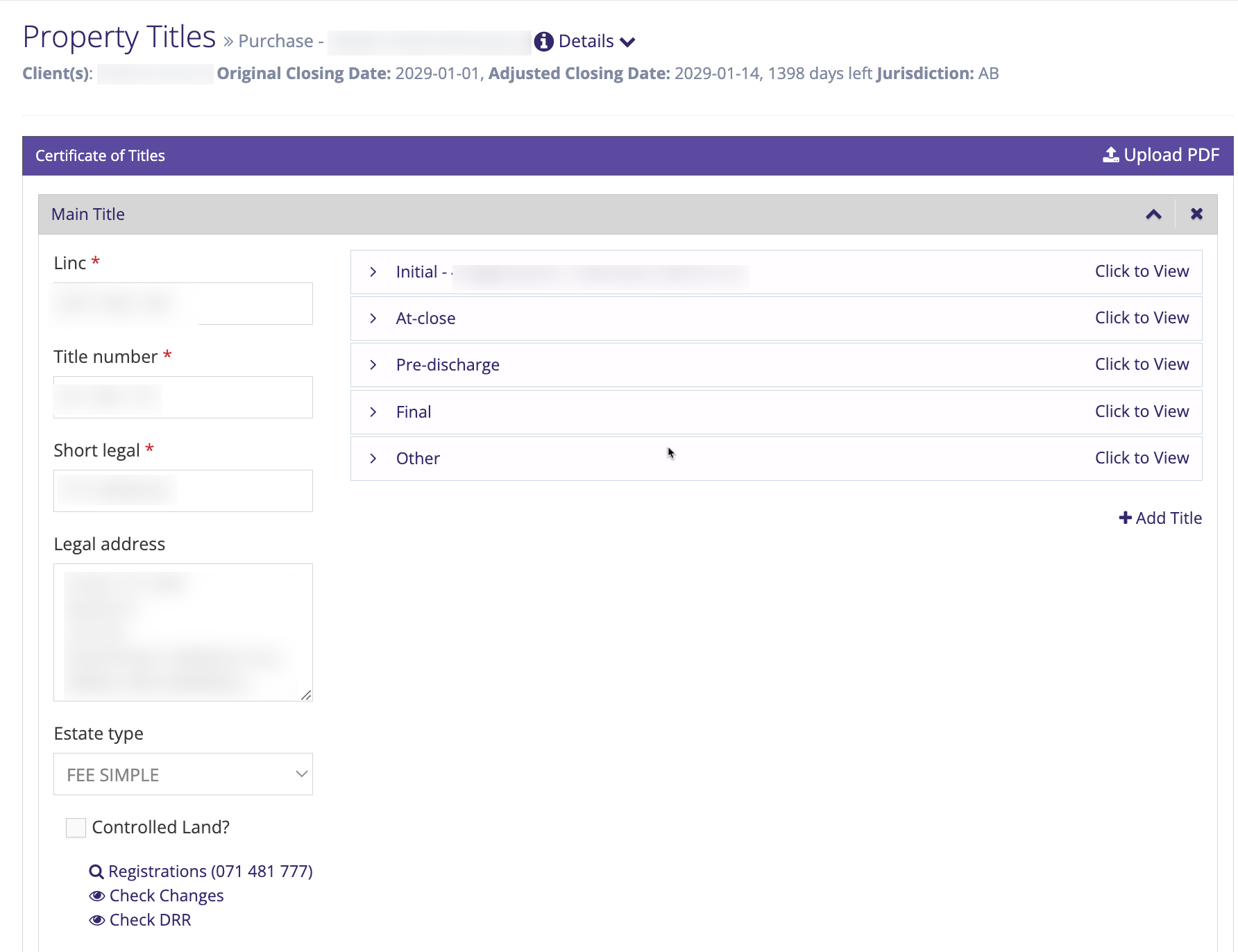
Once in the matter navigate to the title screen (Actions > Property > Titles)
Enter your SPIN II username and password, enter the details of the title you are searching (Plan/Block/Lot, Title No., LINC No.) and click "Search".
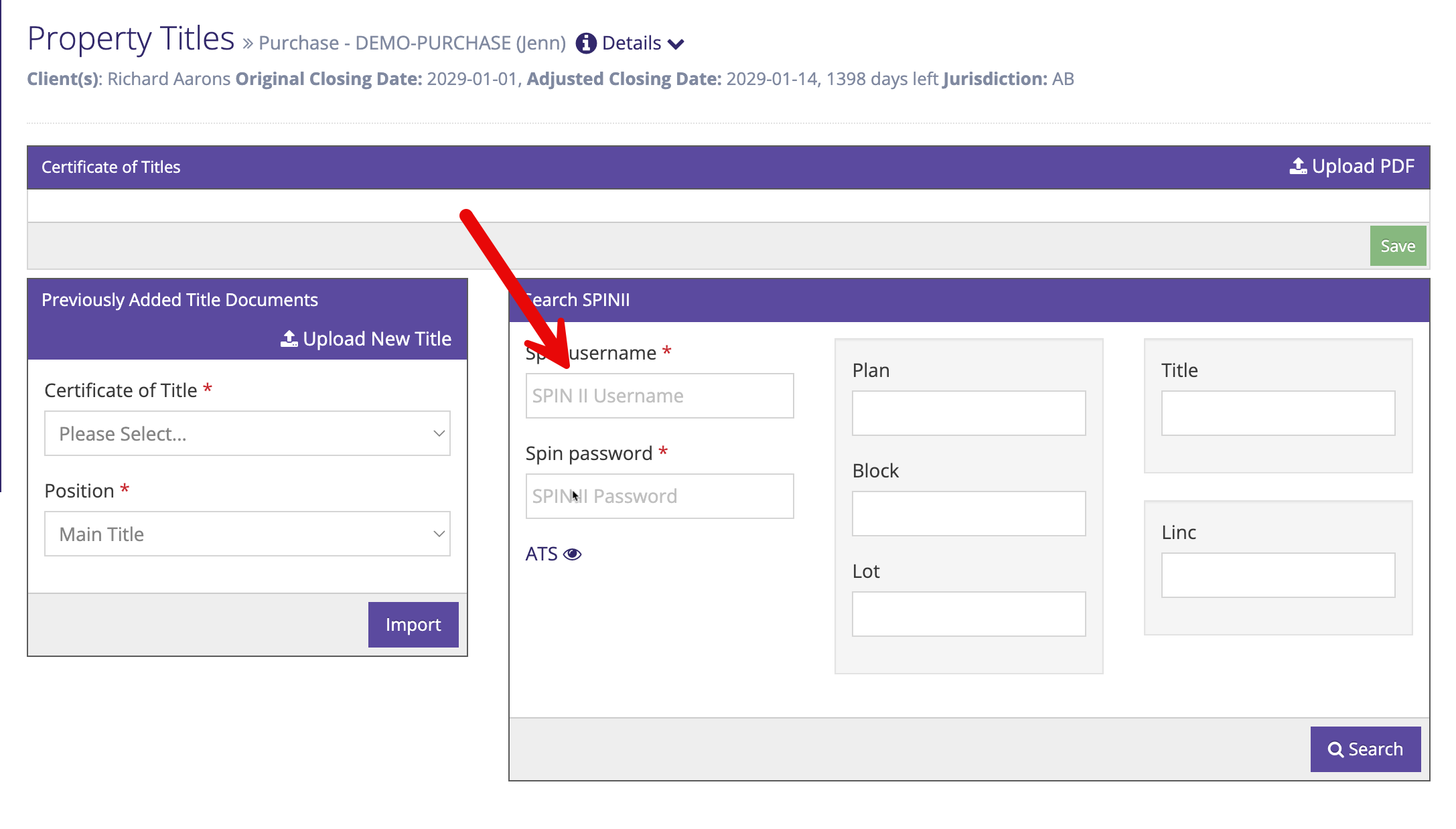
Add the title by selecting either the "Current" or "Historical" title.
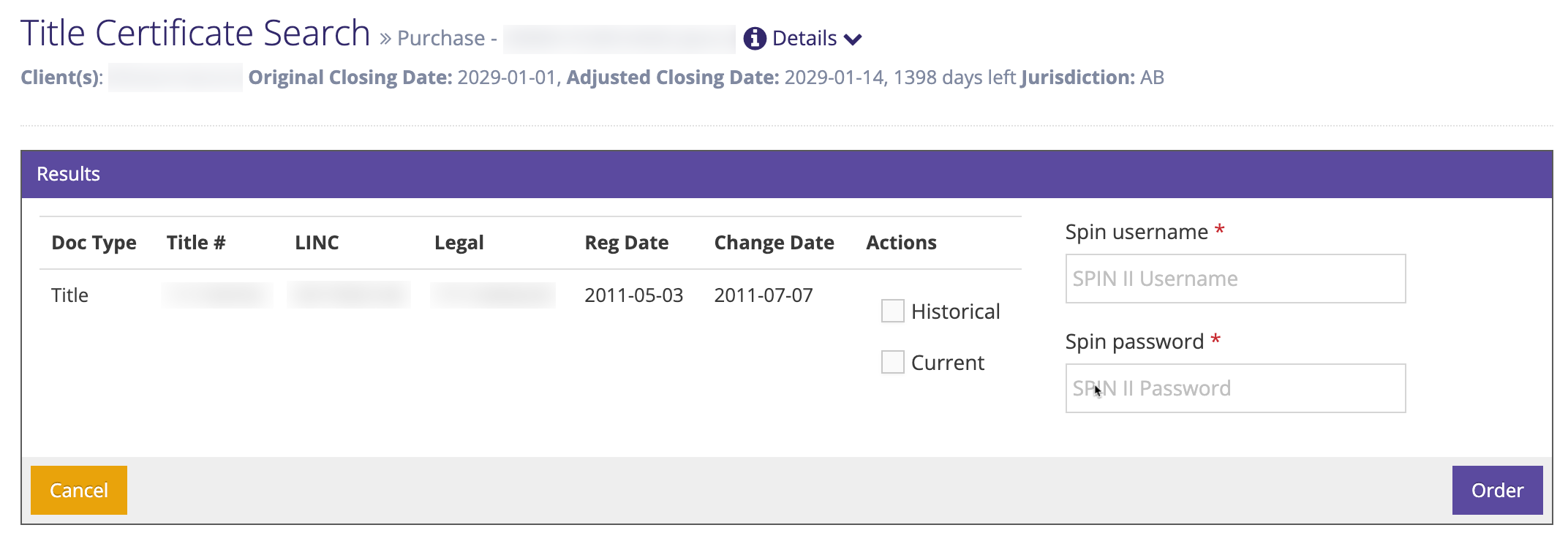
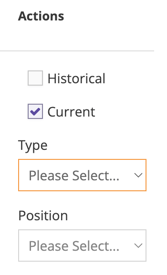
When the "Current" title is selected, select the type (Initial, At Close, Pre Discharge, Final or Other) and the Position (Main Title, 2nd Title, etc.). Ensure the SPIN II credentials are entered and click "Order".
You will see a preview of the title.
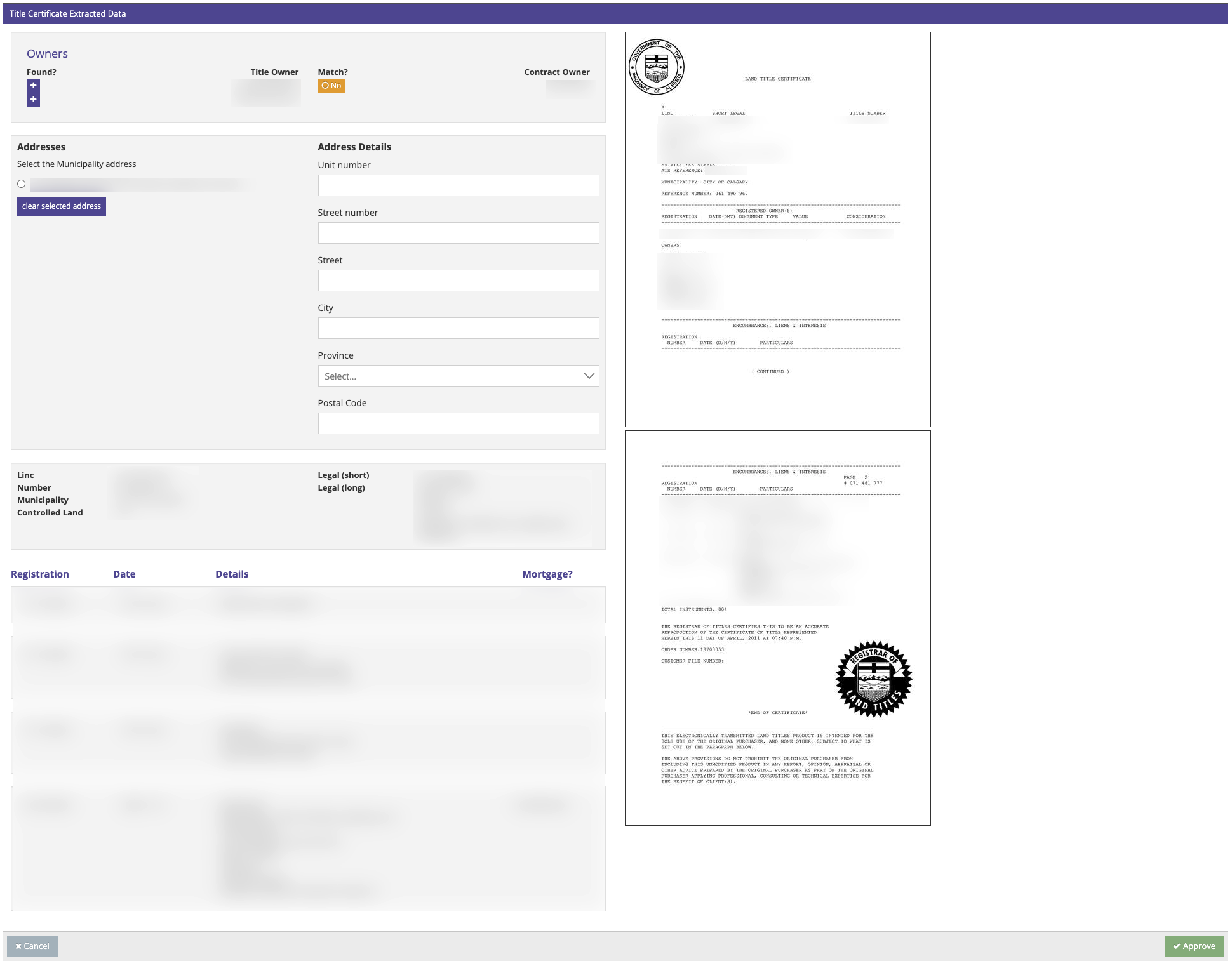
Add or update the sellers / clients based on the information from title. Click the + below "Found" to add the seller, or click the button below "Match" to edit the seller.

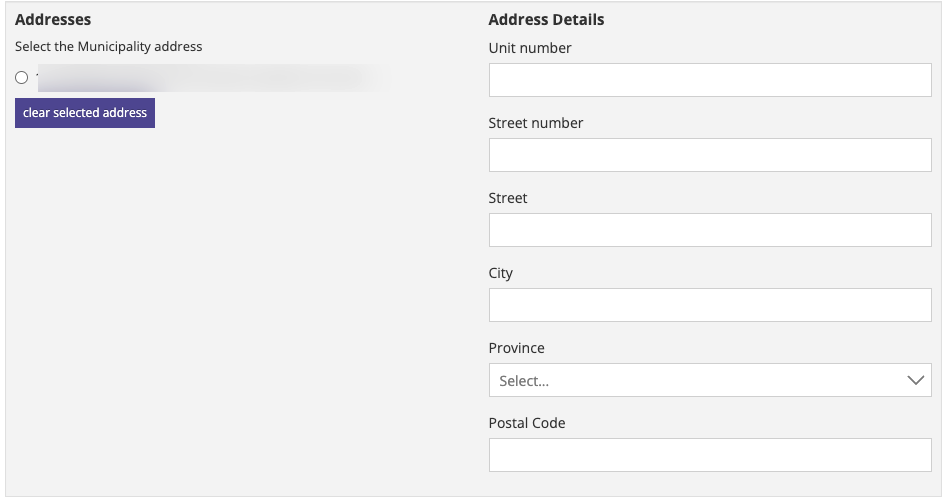
Import the address from title to be added to the matter as the municipal address. Click the circle to the left of the address to add the address.
NOTE: ensure the address is in fact the municipal address and not solely the mailing address of the seller.
Click "Approve" to add the title to Prolegis. You will return to the titles screen where the information from the title will be added to Prolegis.