![Full Prolegis Logo.png]](https://kb.prolegis.ca/hs-fs/hubfs/Full%20Prolegis%20Logo.png?width=200&height=88&name=Full%20Prolegis%20Logo.png)
A Follow Up in Prolegis is a super-powered to do. Follow-ups can be assigned, diarized, linked to steps in the Progress Dashboard and associated with undertakings and requisitions.
Diarized follow-ups can be viewed:
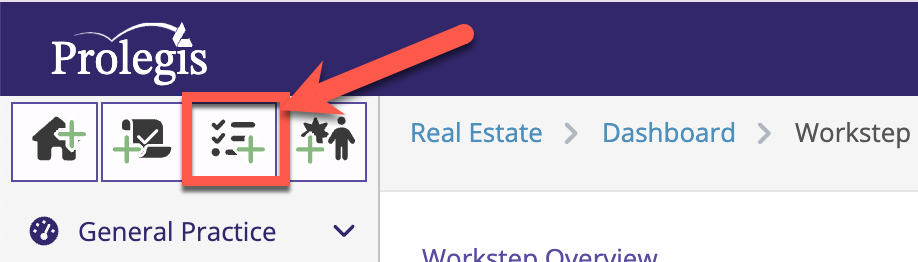
- by clicking the Follow-up Icon
.gif?width=688&height=126&name=2025-07-05_14-22-44%20(3).gif)
- within the matter by clicking the Details link
.gif?width=688&height=287&name=2025-07-05_14-27-24%20(1).gif)
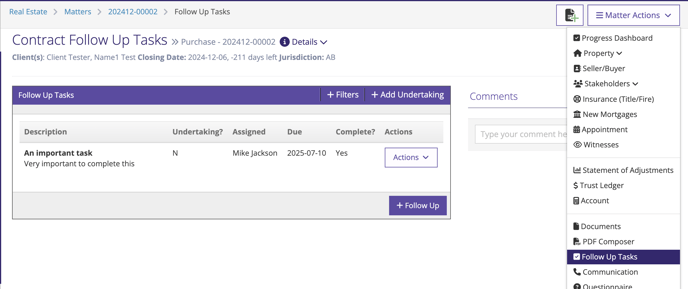
- within the matter in the Follow Up action
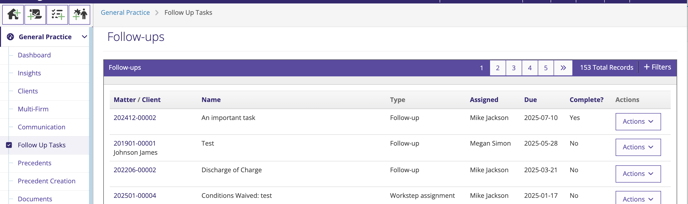
- in General Practice > Follow Up Tasks
You can create a Follow Up by clicking the quick link in the top left hand corner of the screen or from the Follow Up action (or in Ontario in the Titles screen).