![Full Prolegis Logo.png]](https://kb.prolegis.ca/hs-fs/hubfs/Full%20Prolegis%20Logo.png?width=200&height=88&name=Full%20Prolegis%20Logo.png)
What are they?
Automated text messages can keep all stakeholders informed about the status of your transaction files. Once programmed, these messages are sent automatically to clients, realtors, and mortgage brokers when you complete a corresponding checklist step. They also provide access to a client portal for more detailed information; refer to the article on Client Portals for further details.
Setup your Notifications:
CLIENTS:
- Navigate to Real Estate > Settings > Client Portal
- Under “Add Notification”, select which step from your checklist you want to program a notification to go out from.
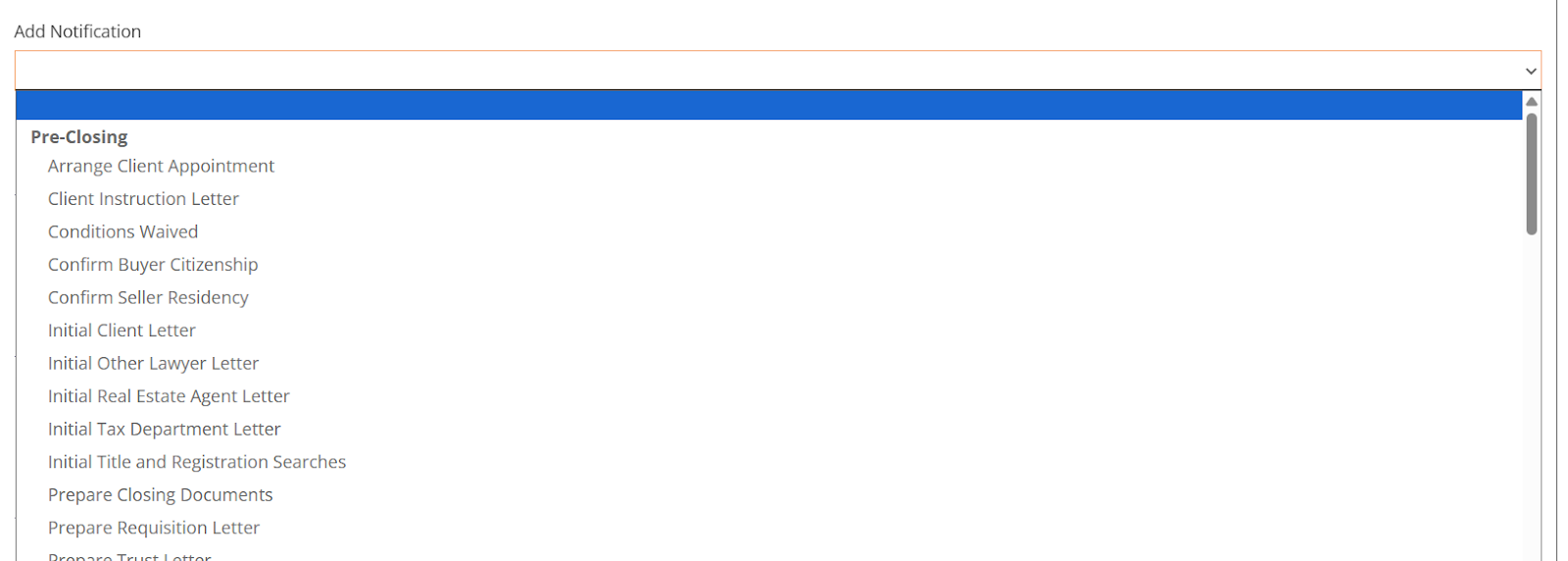
- Under “Notification Messages” below, you can see the step that you added. Customize the message you want the client to receive as a text message.
- Name: name of the step this message is associated with
- Message: customize the message the client will receive when you mark the step complete
- Preview the message the client will see (as you can see, they will automatically receive a link to their client portal as well)
- Under “Notification Messages” below, you can see the step that you added. Customize the message you want the client to receive as a text message.

- Ensure to mark the step “Enabled” and then click “Save” at the bottom of your screen.
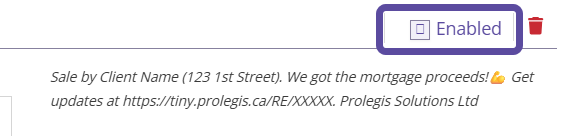
- Repeat the process for each notification.
REAL ESTATE AGENTS:
- Navigate to Real Estate > Settings > Real Estate Agent Portal
- Review the “Realtor Notifications”
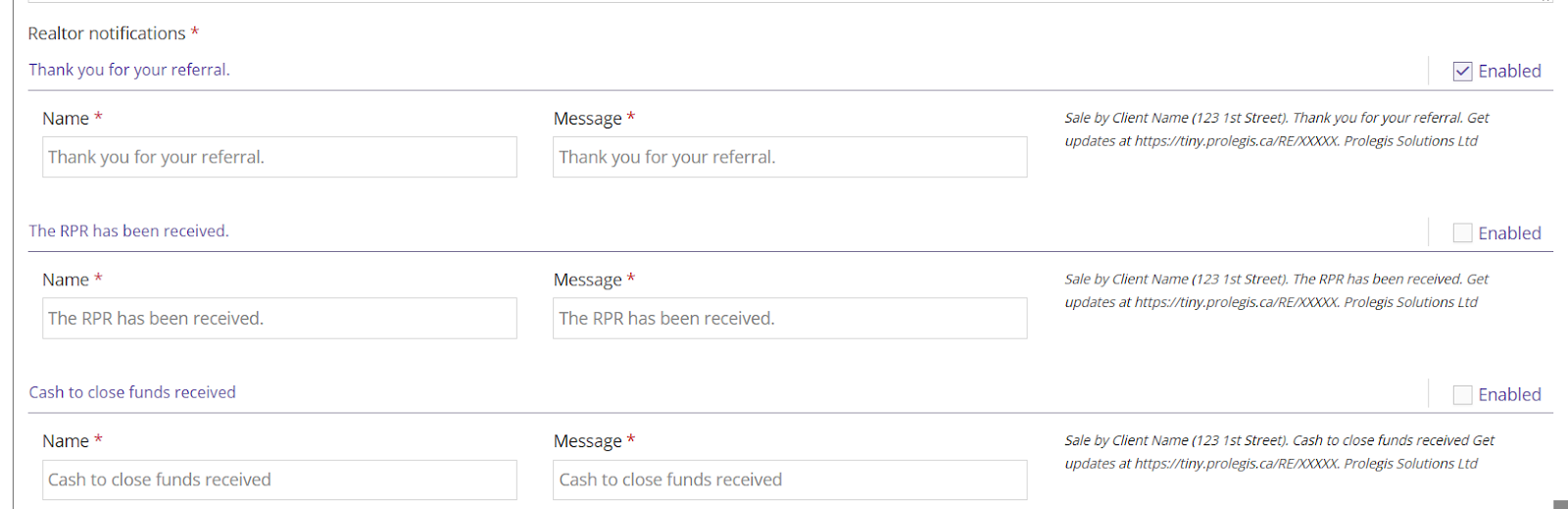
- Click “Enable” on the message you want the realtors to receive when marking the corresponding step on your checklist as complete.
- Click “Save” at the bottom of your screen.
MORTGAGE BROKER:
- Navigate to Real Estate > Settings > Mortgage Broker Portal
- Review the Mortgage Broker Notifications labelled “Configs”
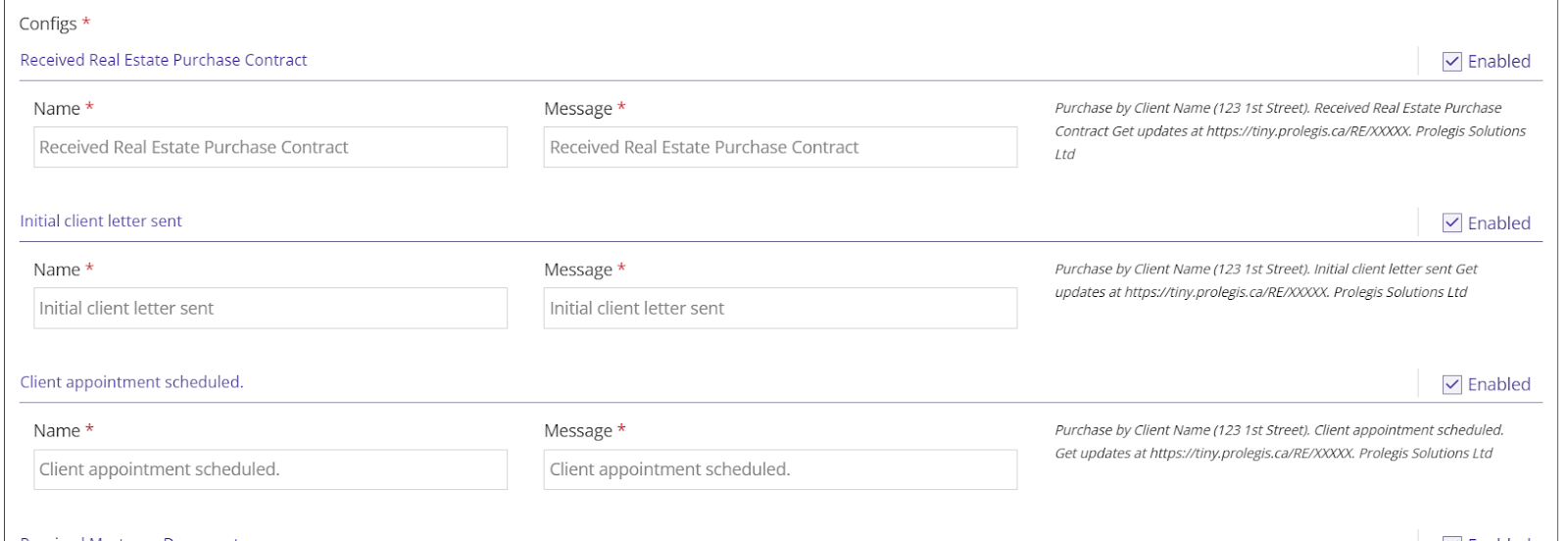
- Click “Enable” on the message you want the realtors to receive when marking the corresponding step on your checklist as complete.
- Click “Save” at the bottom of your screen.