![Full Prolegis Logo.png]](https://kb.prolegis.ca/hs-fs/hubfs/Full%20Prolegis%20Logo.png?width=200&height=88&name=Full%20Prolegis%20Logo.png)
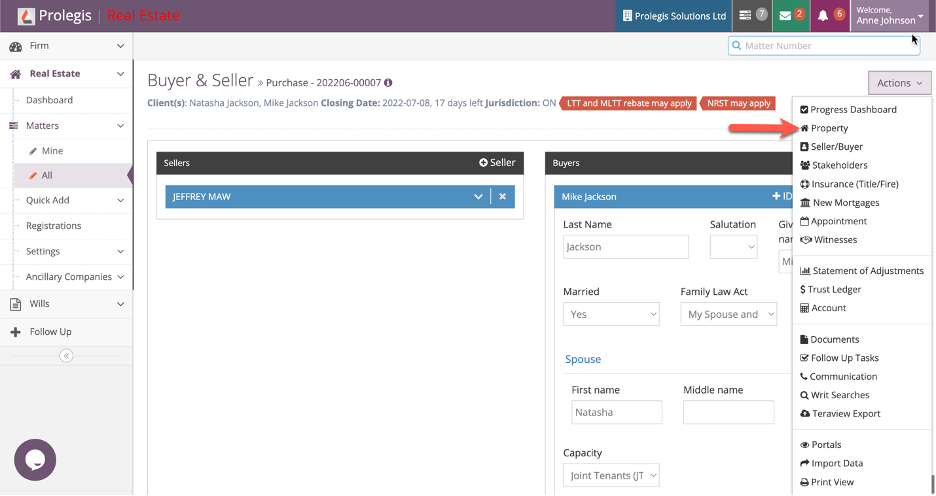
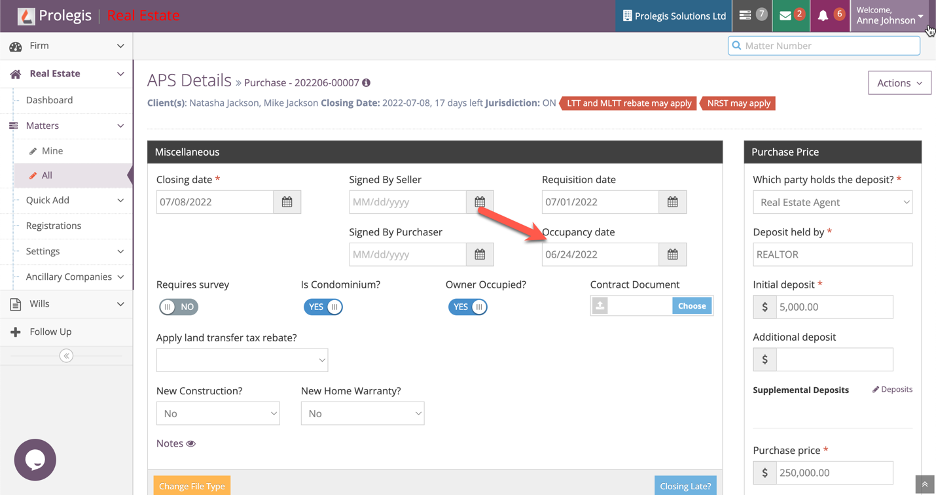
Insert the occupancy date in the Occupancy Date field and click save.
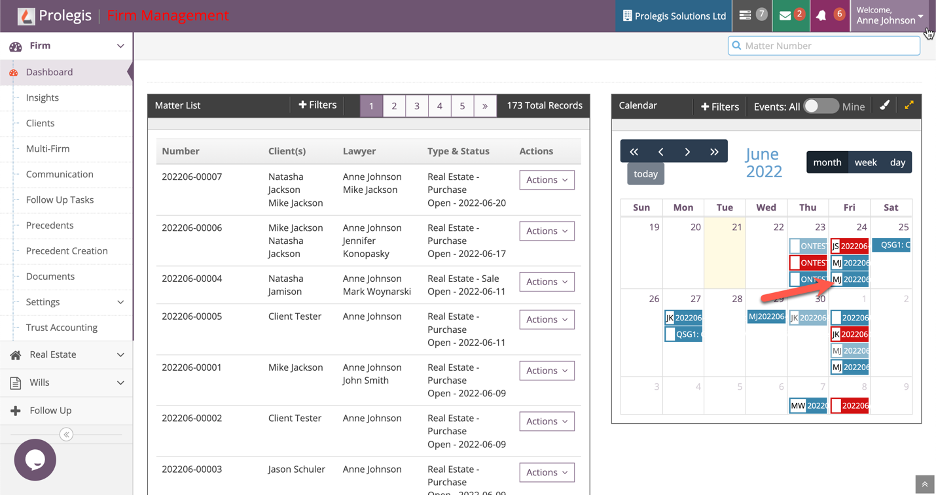
See the occupancy date displayed on the calendar in Firm > Dashboard.
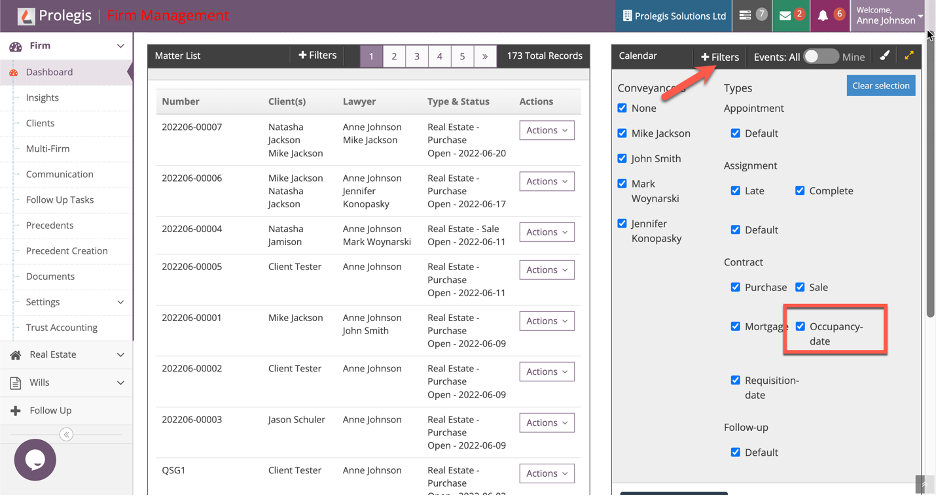
Use the +Filter to add or remove Occupancy date from the calendar view.
Insert the occupancy date in the Occupancy Date field and click save.
See the occupancy date displayed on the calendar in Firm > Dashboard.
Use the +Filter to add or remove Occupancy date from the calendar view.